


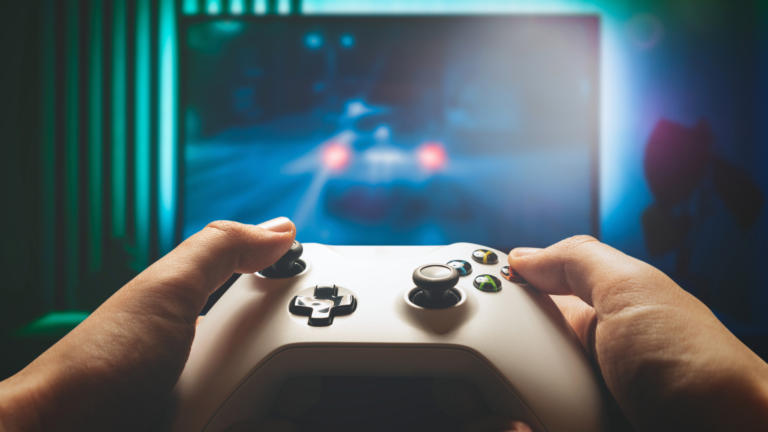
You stand at the doorway to PC gaming with more questions than answers, and this guide will cut through the noise so you can start playing without frustration. It shows exactly what hardware matters, how much to expect to spend, and which settings give the best play experience for your budget.
They walk you through choosing a build or buying a prebuilt, setting up Windows and drivers, and picking peripherals that actually improve gameplay. They also explain basic performance terms and simple steps to get into your first game fast, so you spend more time playing and less time troubleshooting.
Getting Started with Your First Gaming PC
This section explains the hardware, buying choices, display options, peripherals, software platforms, initial physical setup, performance tuning, and beginner-friendly games to try. It gives specific guidance about parts, choices between pre-built/custom/laptop, monitor specs, essential accessories, launchers, storage, and drivers, and practical steps to get a stable, playable system.
Essential PC Components for Beginners
A beginner gaming PC centers on the CPU, GPU, RAM, storage, motherboard, and PSU. Recommend pairing a midrange CPU (Intel Core i5 or AMD Ryzen 5) with a discrete GPU like an NVIDIA RTX 3060/4060 or AMD equivalent for smooth 1080p–1440p play; integrated graphics limit modern AAA performance.
Choose at least 16 GB DDR4 RAM for most titles; 8 GB can bottleneck. Prefer an NVMe SSD (500 GB–1 TB) for OS and games, and add a 1–2 TB HDD for mass storage if needed.
Pick a motherboard with the right CPU socket, PCIe x16 slot for the graphics card, M.2 slot for NVMe SSDs, and enough SATA ports. Size (ATX/mATX) affects case and cooling options.
Match the power supply unit (PSU) to your GPU; a quality 80+ Bronze/Gold PSU of 550–750W suits most beginner builds. Use a case with adequate airflow and plan for at least one intake and one exhaust fan.
Choosing Between Pre-Built, Custom Build, and Gaming Laptops
Pre-built gaming PCs simplify setup and warranty; they often include tested cooling and cable management. Choose reputable vendors and compare component lists—avoid systems with weak PSUs or upgradable limitations.
Building a custom PC gives better value per dollar and easier future upgrades. Beginners should follow a build guide, use an anti-static wrist strap, and keep a Phillips screwdriver and zip ties handy. Motherboard drivers and BIOS updates often come from manufacturer sites.
Gaming laptops offer portability; models with NVIDIA RTX or mobile AMD RDNA2 parts handle 1080p well. Expect higher thermals and thinner upgrade paths. For esports titles, a 144 Hz panel laptop with a discrete GPU provides competitive frame rates.
Selecting the Right Monitor and Display Settings
Match resolution and refresh rate to GPU capability: GTX 1660/RTX 3060 handle 1080p at high refresh rates (144 Hz); RTX 3070+ targets 1440p; RTX 4080/4090 suits 4K gaming. Higher resolution increases GPU load and reduces FPS.
Look for adaptive sync: G-SYNC or FreeSync reduces tearing when frame rate fluctuates. Choose IPS panels for color accuracy and viewing angles; TN panels for the fastest pixel response in competitive play.
Adjust in-game graphics settings to balance frame rate and visual quality. Prioritize frame-stable settings like lowering shadows or post-processing to hit the target FPS. Use the monitor’s OSD to enable game or FPS presets and set response/overdrive carefully.
Critical Gaming Peripherals and Accessories
A mechanical gaming keyboard improves feedback; choose switches (e.g., Cherry MX Red) based on travel and actuation preference. A gaming mouse with adjustable DPI and a reliable sensor helps aim in shooters.
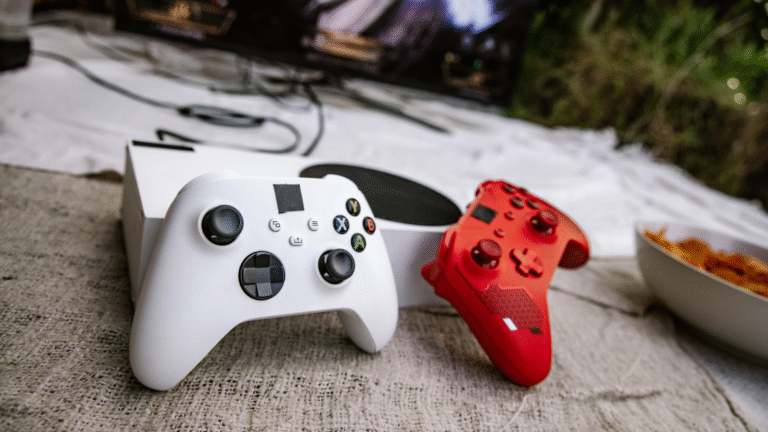
Headsets with a good microphone and clear positional audio aid team play; consider open vs. closed backs for comfort. Add a controller (Xbox controller recommended for many ports) for third-person and platformers.
Include a mousepad sized for your DPI and sensitivity, and a surge protector or UPS for power protection. Keep spare SATA and power cables, and basic tools like cable ties and a static wrist strap for maintenance.
Game Platforms, Launchers, and Digital Storefronts
Steam remains the broadest PC storefront with social features and big sales. Epic Games Store and GOG offer curated catalogs and DRM-free options; Epic gives periodic free titles.
EA/Origin, Ubisoft Connect, Battle.net, and Microsoft Store host publisher-specific libraries; some titles require their clients to run. Xbox Game Pass for PC grants access to many games via a subscription.
Cloud services like NVIDIA GeForce Now and Amazon Luna stream games when local hardware lacks power. GeForce Experience helps manage drivers, capture, and in-game optimization with presets and DLSS toggles for supported RTX GPUs.
Initial Setup, Cable Management, and Power Considerations
Place the PC on a stable desk with 2–3 inches of clearance for airflow; avoid enclosed cabinets. Use the motherboard manual to connect the front-panel, USB, and audio headers precisely.
Route cables behind the case tray, use zip ties or Velcro straps, and keep PSU cables modular where possible to reduce clutter. Labeling or photographing cable runs during build helps future upgrades.
Verify PSU rating and connectors before installing a GPU—modern cards may require one or two 8-pin PCIe power plugs. Use a surge protector and consider a UPS for stable power during updates or power outages.
Setting Up and Optimizing Game Performance
Install the latest GPU drivers from NVIDIA or AMD to ensure compatibility and performance. Update motherboard chipset drivers and BIOS if the manufacturer recommends it for stability.
Use performance tools like MSI Afterburner and HWiNFO for monitoring temperatures, frame rate, and GPU/CPU utilization. Consider enabling DLSS on supported NVIDIA RTX cards to boost FPS at higher resolutions.
Adjust in-game settings: lower shadow, reflection, and volumetric effects first to increase FPS. For competitive titles, prioritize frame rate over ultra visuals and target consistent frames per second matching monitor refresh rate.
Beginner-Friendly and Popular Games to Try
Start with low-demand, high-fun titles like Minecraft and Stardew Valley to learn PC controls and mods like Nexus Mods for deeper customization. They run on modest hardware and teach file management and saving.
Try Fortnite, League of Legends, and Valorant for esports-oriented, optimized experiences; these run well on GTX 1660 or midrange GPUs and emphasize aiming and network stability. Competitive shooters benefit from 144 Hz monitors.
Play single-player RPGs and action titles to explore settings and performance tweaks. Use Steam, GOG, or Epic for purchases; check system requirements and use cloud saves or Steam Workshop mods where supported.


Recent Comments